
Dive computer supportBeta
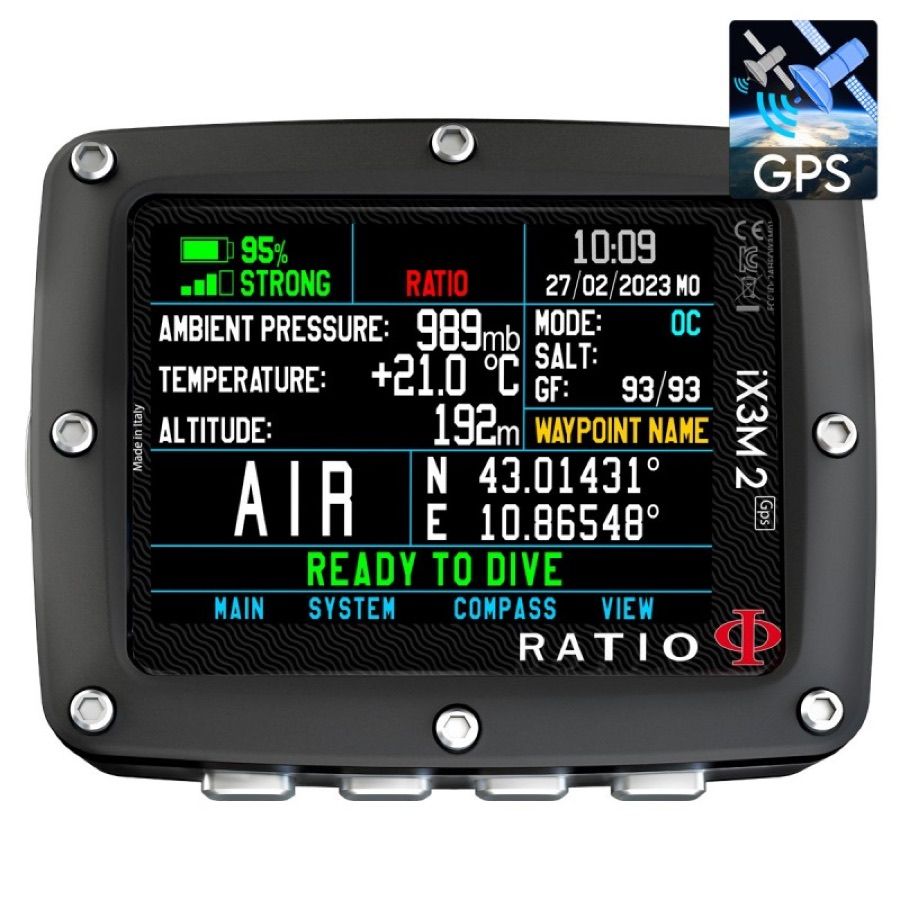
Connect your Ratio iX3M 2 GPS Easy
The ISC DIVER app talks to your Ratio iX3M 2 GPS Easy directly over Bluetooth. Pull your dives straight onto your phone — no cable, and no desktop software in between.
Dive-computer import is in beta. We are verifying support model by model — if a download fails, tap “Report a problem” in the app’s import screen so we can chase it down.
How to connect
- On your Ratio iX3M 2 GPS Easy, activate PC MODE (this is what turns its Bluetooth on) and leave it on that screen.
- In ISC DIVER, tap Add a dive, then Sync from a dive computer.
- Pick your Ratio iX3M 2 GPS Easy from the computers found nearby.
- Wait while it connects and downloads. A full log can take a few minutes.
- Your dives land in Imported dives — review them, then add them to your logbook.
Good to know
- Bluetooth on most dive computers only advertises for a short window. If it isn’t found, switch Bluetooth on again and rescan.
- If your computer isn’t recognised automatically, you can choose the exact model by hand.
- You import from your own computer, on your own phone, with the app open.
Other Ratio computers that work
ATOM
iDive 2 Deep
iDive 2 Easy
iDive 2 Fancy
iDive 2 Free
iDive 2 Pro
iDive 2 Reb
iDive 2 Tech
iX3M 2 Deep
iX3M 2 Easy
iX3M 2 Gauge
iX3M 2 GPS Deep
iX3M 2 GPS Gauge
iX3M 2 GPS Pro
iX3M 2 GPS Reb
iX3M 2 GPS Tech
iX3M 2 Pro
iX3M 2 Tech+
iX3M 2021 GPS Deep
iX3M 2021 GPS Easy
iX3M 2021 GPS Fancy
iX3M 2021 GPS Pro
iX3M 2021 GPS Reb
iX3M 2021 GPS Tech+
Trademarks and support
Ratio and its product names are trademarks of their respective owners. ISC DIVER is not affiliated with, endorsed by, or a partner of Ratio.
Bluetooth import is built by ISC DIVER on the open-source libdivecomputer library. It is not an official Ratio integration, and Ratio does not provide support for it. For help with the computer itself, contact Ratio or your dealer.