
Dive computer supportBeta
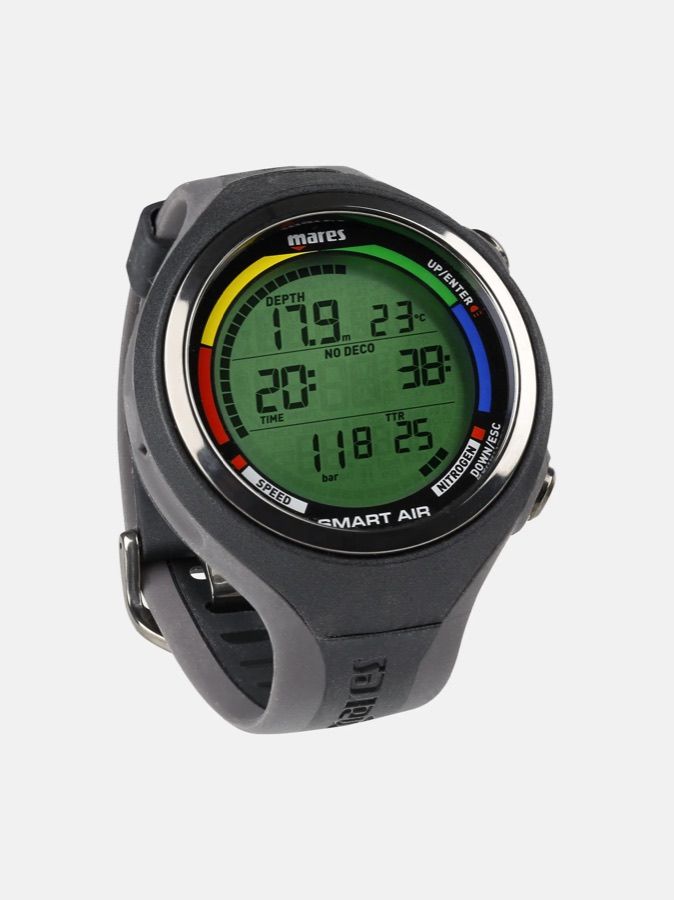
Connect your Mares Smart Air
The ISC DIVER app talks to your Mares Smart Air directly over Bluetooth. Pull your dives straight onto your phone — no cable, and no desktop software in between.
Dive-computer import is in beta. We are verifying support model by model — if a download fails, tap “Report a problem” in the app’s import screen so we can chase it down.
How to connect
- Clip the Mares Bluelink Pro interface onto your Mares Smart Air and put the computer in its data-transfer mode — this model has no built-in Bluetooth; the Bluelink Pro provides the Bluetooth link.
- In ISC DIVER, tap Add a dive, then Sync from a dive computer.
- Pick your Mares Smart Air from the computers found nearby.
- Wait while it connects and downloads. A full log can take a few minutes.
- Your dives land in Imported dives — review them, then add them to your logbook.
Good to know
- Bluetooth on most dive computers only advertises for a short window. If it isn’t found, switch Bluetooth on again and rescan.
- If your computer isn’t recognised automatically, you can choose the exact model by hand.
- You import from your own computer, on your own phone, with the app open.
Other Mares computers that work
Trademarks and support
Mares and its product names are trademarks of their respective owners. ISC DIVER is not affiliated with, endorsed by, or a partner of Mares.
Bluetooth import is built by ISC DIVER on the open-source libdivecomputer library. It is not an official Mares integration, and Mares does not provide support for it. For help with the computer itself, contact Mares or your dealer.